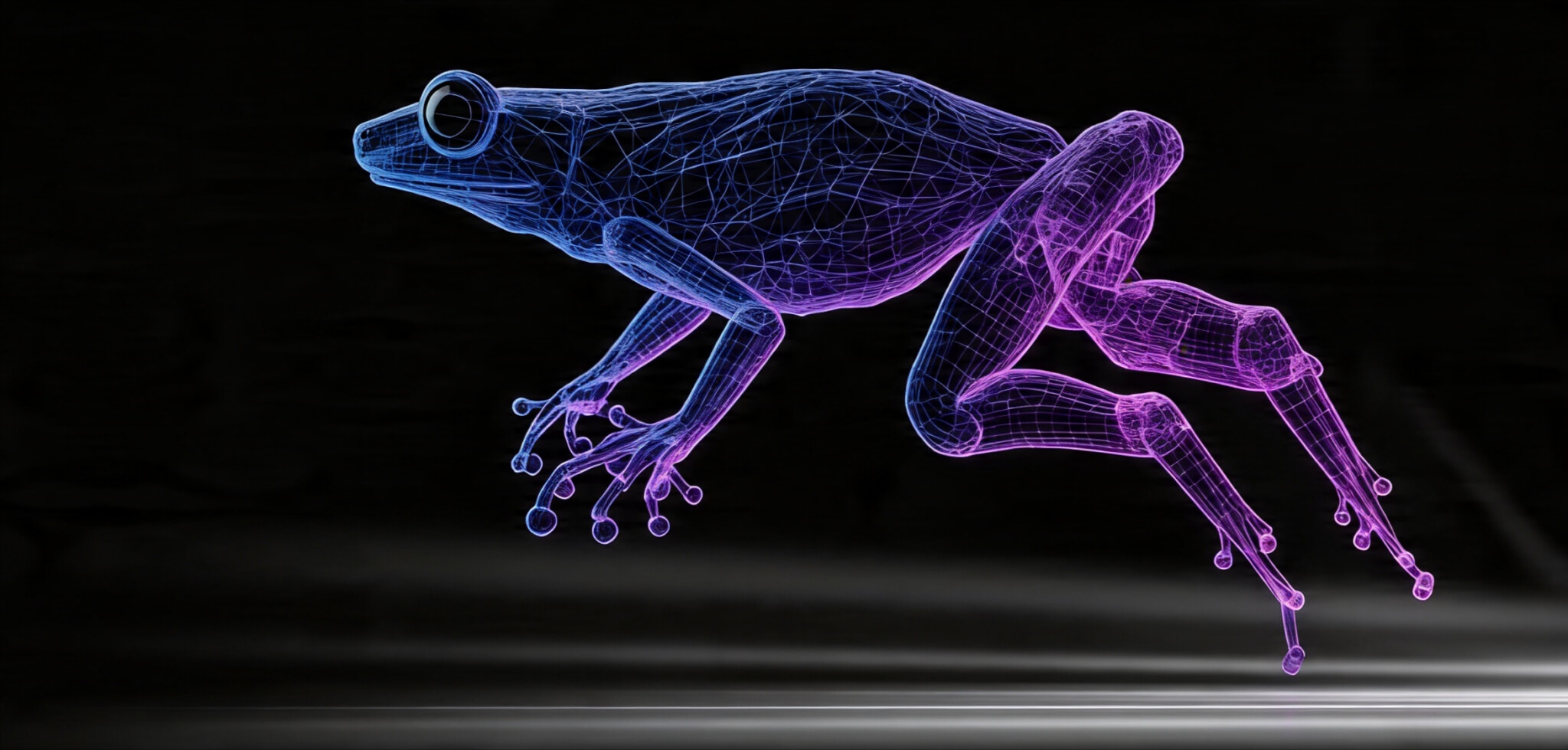

Motion capture is not a new invention. As our 3D animation lead Roksolana Kordiuk explains, AI motion capture has been around for some time, but its use was limited and not suitable for complex animation. What has changed recently is not the approach itself, but how widely it can be applied.
Traditional setups were expensive and restrictive. Dedicated stages, specialized hardware, and controlled environments were the norm. That limited who could use mocap and how often it could be applied during development.
AI-based solutions started to shift that. Tools like Move.ai, Rokoko, and DeepMotion made it possible to capture motion using standard cameras or simplified setups. This lowered the barrier, but it didn’t remove the underlying complexity.
The result is a different kind of pipeline. Motion is easier to generate, but harder to manage. Instead of focusing on how to capture data, teams now spend more time deciding what to do with it.
How AI Mocap Works
The toolset around AI mocap is already fairly mature, and most teams don’t rely on a single solution. They combine capture tools with cleanup and integration workflows depending on the project.
On the capture side, Move.ai, DeepMotion, and others focus on video-based motion extraction. You can record movement with a few cameras, or even a single one, and convert it into animation data without a traditional setup.
Rokoko sits somewhere in between. It combines lightweight hardware with AI processing, giving more stability than pure video capture without the limitations of full studio systems.
After capture, the data goes through tools like Blender or Autodesk Maya. That’s where timing is adjusted, issues are fixed, and motion is brought into a usable state. From there, it moves into engines like Unreal Engine or Unity.
So why aren’t these tools used everywhere?
AI-generated motion works well up to a point. It can handle basic locomotion, rough blocking, and background activity without much friction.
The problems start when precision matters. Foot contact, hand interaction, and multi-character scenes expose limitations quickly. Small inaccuracies become noticeable once the animation is placed in context.
Stylization is another issue. AI mocap is grounded in recorded motion, which makes it harder to push toward exaggerated or controlled styles. For games with strong art direction, this becomes a constraint rather than an advantage. This doesn’t make AI mocap unusable. It just means it rarely produces final animation on its own.

What AI Motion Capture Actually Solves
There’s a tendency to treat AI mocap as a replacement for traditional methods. In practice, it solves a narrower set of problems, mostly around access and speed.
| Area | Traditional Mocap | AI Motion Capture |
| Setup cost | High | Lower |
| Capture environment | Controlled studio | Flexible |
| Time to capture | Planned sessions | Fast iteration |
| Accessibility | Limited | Widely available |
That shift matters, especially for smaller teams. It allows more frequent testing, quicker prototyping, and less dependency on scheduled capture sessions.
At the same time, the output is less predictable. Data quality varies depending on conditions, camera angles, and movement complexity. The trade-off is clear: faster input, less consistency (we’ll talk more about this later).
The biggest shift isn’t in how motion is captured, but in how often it can be used. With fewer constraints around setup and cost, teams can capture more frequently and earlier in development. Mocap becomes part of iteration rather than a late-stage step.
You can test ideas, block interactions, or check how gameplay moments read without setting up a full capture session. At the same time, more data doesn’t guarantee better results. The volume increases, but so does inconsistency. Some takes work, others don’t, and sorting through them becomes part of the process.
The Trade-Off: Speed vs Control
Ok, now it’s time to talk about the dark side of using AI mocap, and here are some of the reasons why our team is wary of this technology.
The Hidden Cost. Cleanup Becomes the Work
AI mocap makes capturing motion easier and cheaper, but the work doesn’t go away. It moves downstream – into cleanup, retargeting, and making animation usable.
| Stage | Traditional Mocap | AI Mocap |
| Capture | High cost | Low cost |
| Data consistency | Stable | Variable |
| Cleanup | Moderate | High |
| Retargeting | Predictable | Often manual-heavy |
This becomes visible once animation enters the engine. Foot sliding, unstable joints, and timing mismatches need to be corrected before the animation can be used.
Vendor data often highlights speed gains – sometimes up to 70% faster setup. What it doesn’t highlight is how much time is spent making that data production-ready.
The Bottleneck Has Shifted From Capture to Usability
Capturing motion is no longer the hardest part. Making it usable is. A clip can look solid on its own, but once blended, retargeted, and integrated, small inconsistencies start to surface. Foot contact drifts, transitions feel off, timing breaks.
Game animation can take up to 30–50% of production effort depending on the project. AI mocap doesn’t remove that effort. It redistributes it.
Teams spend more time retargeting, fixing contact points, adjusting timing, blending animations, and so on. This is the polishing work, not necessarily the most creative and exciting for animators.
Where AI Mocap Holds Up – and Where It Doesn’t
It works well when speed matters more than precision:
– gameplay prototyping
– background NPC animation
– quick iteration on movement
In these cases, small inaccuracies don’t break the result.
Where it struggles:
– precise contact (feet, hands)
– character interaction
– stylized animation
– cinematic sequences
AI can generate motion quickly, but it doesn’t guarantee consistency. That’s why it’s rarely treated as a final solution.
Why AI Motion Doesn’t Work Well With Stylization
AI mocap is based on real human movement. It works well for realistic animation, but struggles with stylized or non-human characters. Here’s a video that shows clearly the difference between realistic and stylized animation on a human-like character.
Most systems rely on pose estimation – detecting joints and reconstructing movement based on learned patterns. Since these models are trained on real movement, the output stays close to it. That’s why stylized animation still needs manual work.
How AI Mocap Affects the Work of Animation Teams (And How To Make It Work For You)
The shift isn’t about replacing teams at a 3D animation company. It’s about changing where the effort goes. Less time is spent creating motion from scratch. More time goes into shaping, fixing, and integrating it into systems.
Technical understanding becomes more important. Animation is no longer just a clip – it’s part of a system that has to behave correctly in context.
AI mocap will keep improving. But even as input gets better, the need for control doesn’t go away. What changes is where the effort goes. Less time on capture, more on:
– selecting usable motion
– fixing inconsistencies
– making everything work together
On larger projects, consistency becomes more important than speed. Even small mismatches between clips can break the overall feel.
With hyped technologies, the most important thing is to approach them with consideration and not use them for the sake of using AI. Here are some practical tips.
How to find out if your task is a good use case for AI motion capture?
| Use Case | Fit | Why |
| Gameplay prototyping | High | Speed over precision |
| Indie development | High | Lower cost |
| Background NPC animation | High | Imperfections less visible |
| Cinematics | Medium | Needs control |
| Hero animation | Low–Medium | Requires precision |
The closer the animation is to the player, the less room there is for errors.
More Motion Doesn’t Mean Better Animation
AI mocap makes it easy to generate a lot of animation quickly. But more data creates a different problem – inconsistency. Different takes vary in quality, timing, and feel. Without direction, the result becomes uneven. Reviewing, comparing, discarding, reworking – that’s where a lot of time goes.
Sometimes it’s easier to work with fewer animations you trust than a large batch that needs fixing.
Real-Time Engines Change How AI Mocap Is Used
AI mocap becomes much more practical when tested in context. Instead of reviewing motion as raw data, teams can see how it behaves with lighting, camera, and gameplay systems already in place. Issues show up faster – foot sliding, timing mismatches, awkward transitions.
This shortens feedback loops. You don’t wait for polish to understand if something works.
AI Mocap Is One Tool, Not the Whole Pipeline
Relying only on AI mocap doesn’t hold once production grows. In practice, pipelines are mixed:
– AI mocap for speed
– keyframe animation for control
– technical systems for blending
For example, a walk cycle might come from mocap, but transitions, stops, and gameplay reactions are often adjusted or rebuilt manually. The same applies to combat. Timing and readability matter more than realism, so motion is often reshaped.
To Sum Up. AI Mocap Doesn’t Reduce the Work – It Redistributes It
AI mocap makes generating motion easier, but doesn’t simplify the pipeline. Capturing motion is no longer the main constraint. Making it usable is.
You spend less time creating motion from scratch and more time cleaning it up, adjusting, and making it work in-game. AI mocap speeds up the beginning, but the final result still depends on how well that motion is handled afterward.