
Game QA is often reduced to bug tracking, but in practice it covers much more than that. Stability is only one part of the picture. QA also looks at how systems interact, whether progression holds together, and how the game actually feels when played.
A build can be technically stable and still fail from a player perspective. Confusing UI, unclear feedback, or broken pacing won’t show up as critical errors, but they still affect the experience. That’s why QA has always been closer to validation than simple verification.
Automation didn’t start with AI. Long before that, teams relied on scripted tests, regression suites, and internal tools to check stability across builds. These systems worked well for repeatable tasks – anything that needed to be verified the same way every time.
But the moment testing required interpretation, things changed. Player behavior, edge cases, unclear UX, or pacing issues couldn’t be captured by scripts alone. That part has always required manual QA.
AI doesn’t replace that foundation. It builds on top of it by extending scale.
How AI Is Actually Used in QA
AI in QA is often described through broad terms – automation, bots, machine learning. In practice, these translate into very concrete systems.
- Automation
This is the simplest one. The game runs predefined checks automatically.
Example: after every build, the system launches the game, loads levels, checks if they open correctly, verifies menus, basic flows, and crashes. No one plays, it just runs through a checklist.
- Bots / AI agents
These are programs that actually “play” the game. Not like a human, but enough to move, act, and interact with systems.
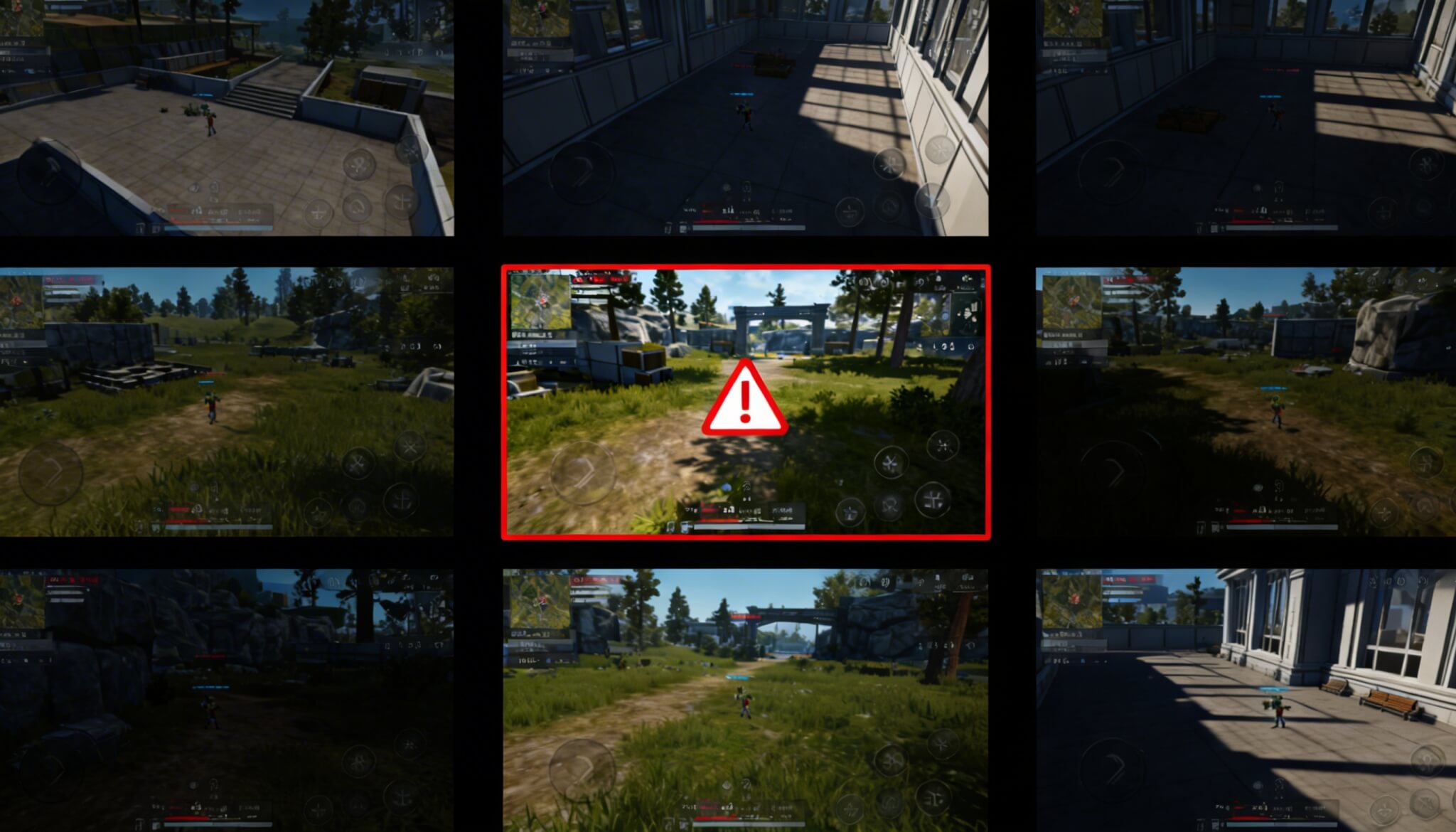
Example: a bot runs through a level 500 times, tries different paths, fights enemies, uses abilities. If something breaks, like getting stuck, failing to progress, or triggering errors, it gets flagged.
- Machine learning (ML)
This is used to analyze large amounts of data from the game.
Example: after a patch, the system sees that players (or bots) fail a level 30% more often than before. It doesn’t say “this is the bug,” but it shows that something changed and needs attention.
Another example: it scans logs and finds patterns – like a certain action often leading to errors.
- Test generation
This helps create test cases or checklists faster.
Example: a tester describes a feature (e.g. inventory system), and the tool suggests what should be tested: adding items, removing, edge cases, limits, UI behavior.
Use Cases of AI from Industry Leaders: EA and Ubisoft
Large studios have been exploring AI-driven QA for years, but the way they use it is more specific than it might seem.
At Electronic Arts, research from their SEED division focuses on AI agents that interact with the game similarly to players. These agents don’t follow predefined paths. They explore, repeat actions, and generate large numbers of playthroughs.
The goal is not to test everything, but to expand coverage. Instead of a QA team checking a limited number of scenarios, the system runs variations of the same systems repeatedly – different paths, different strategies, different combinations of actions.
What comes out of this is not a clean bug list. It’s data. The system highlights where something behaves differently than expected – unusual failure rates, progression that slows down, systems that don’t respond consistently.
Ubisoft’s La Forge takes a different approach. Instead of simulating gameplay, it focuses on development patterns.
Their systems analyze past commits and bug history to identify correlations. For example, certain types of changes might historically lead to specific issues. When similar changes appear again, the system flags them as higher risk.
In practice, this doesn’t detect bugs directly. It helps teams anticipate where problems are more likely to appear. Both approaches rely on AI, but they operate at different levels:
– EA explores the game from the outside, through simulated play
– Ubisoft analyzes development from the inside, through data patterns
What they share is important: neither replaces QA. They generate signals, not decisions.
Where AI QA Brings Measurable Gains
AI doesn’t improve every part of testing equally. Its impact is concentrated in areas where repetition and scale matter.
| Area | What Changes with AI | Why It Improves |
| Test execution | Runs continuously | no manual setup or scheduling |
| Coverage | Expands significantly | thousands of runs vs limited cases |
| Regression testing | Becomes more consistent | same checks repeated reliably |
| Log & telemetry review | Faster analysis | processes large datasets quickly |
In practical terms, this means more of the game gets exercised before release. Systems are tested under a wider range of conditions, and changes can be evaluated earlier. The improvement isn’t in how bugs are understood, but in how many scenarios can be checked.
Where AI Fits Into Daily QA Work
While big companies experiment with AI in big projects, others find ways of using it that would simplify daily tasks topically. It’s not about “finding ways to apply new technology to our workflow for the sake of technology”, but seeing how existing tools can help with bottlenecks. Despite all the discussion around AI in testing, its direct use inside QA workflows is still quite focused.
As our QA lead Margo Korol points out, the most practical use today is in documentation. Tools like ChatGPT help speed up writing test cases, checklists, and structured descriptions. This reduces routine work, especially in smaller projects where setup time matters.
New features in QA tools follow the same pattern. For example, TestRail, a tool teams use to organize test cases and track testing, recently added AI test script generation. It can take a test case and turn it into a draft automation script through a chat interface, with support for frameworks like Selenium and Playwright.
In practice, this doesn’t automate testing on its own. The generated scripts still need to be reviewed, adjusted, and integrated into existing frameworks. It helps speed up preparation, but not execution or validation.
This reflects how AI is currently used in QA. It handles structured, repeatable tasks (writing, formatting, organizing) while the actual testing and decision-making remain manual.
The Real Limitation: Too Much Signal, Not Enough Context
As AI systems scale up testing, they generate more information – not just useful insights, but everything that looks unusual. Logs grow faster. Alerts increase. Systems start flagging real issues as well as edge cases, temporary states, and harmless inconsistencies.
At this point, the problem changes. It’s no longer about finding issues. It’s about deciding which ones matter. AI doesn’t understand intent. It treats anything that deviates from expected patterns as potentially wrong. That means teams spend more time filtering and prioritizing.
More visibility doesn’t automatically simplify the process. In many cases, it adds another layer of complexity.
What AI Can’t Replace in QA
Even with more data, some parts of testing don’t translate into metrics. AI can detect that something changed, but it can’t evaluate how that change feels to a player.
A system might show that a level is failed more often, but it won’t explain why. It won’t tell whether the experience became frustrating, unclear, or simply more demanding in a good way.
The same applies to clarity and feedback. A feature can technically work while still feeling off. This is where QA remains essential. Not just to confirm that something works, but to decide whether it works well.
When AI QA Makes Sense (and When It Doesn’t)
AI QA becomes more useful as complexity increases.
- In live service games, systems are constantly changing. AI can run repeated sessions after updates and highlight unexpected shifts.
- In multiplayer systems, interactions grow quickly. It becomes unrealistic to test all combinations manually, so simulated runs help expose issues.
- In large, interconnected systems, small changes can have side effects in places no one explicitly checks.
- On smaller projects, the benefit is less obvious. When scope is limited, manual testing often provides sufficient coverage without the overhead of setting up and interpreting AI systems.
What This Means for Game Testing Services
The role of game testing services is changing, but not in a disruptive way. Tasks that are easy to repeat (basic checks, structured verification) are becoming less central. They can be supported or partially handled through automation.
What matters more is how teams handle the results. As the volume of logs and reports grows, the work shifts toward interpretation. Deciding what matters, what can wait, and what affects the player experience becomes the core of the process.
QA also becomes more integrated into development. Testing starts earlier, builds are reviewed more often, and feedback loops become shorter. The focus moves away from coverage alone toward helping teams navigate complexity.
Final Takeaway
AI is already part of game testing, but not in the way it’s often presented. What it actually provides is scale. The game is exercised more, more scenarios are covered, and more signals are generated earlier in development.
But that doesn’t answer the main question on its own – which of those signals actually matter. That part doesn’t scale the same way. It still requires someone to interpret the results, understand the context, and connect it to the player experience.
So the process shifts. Less effort goes into running checks, more into making sense of what comes out of them.